
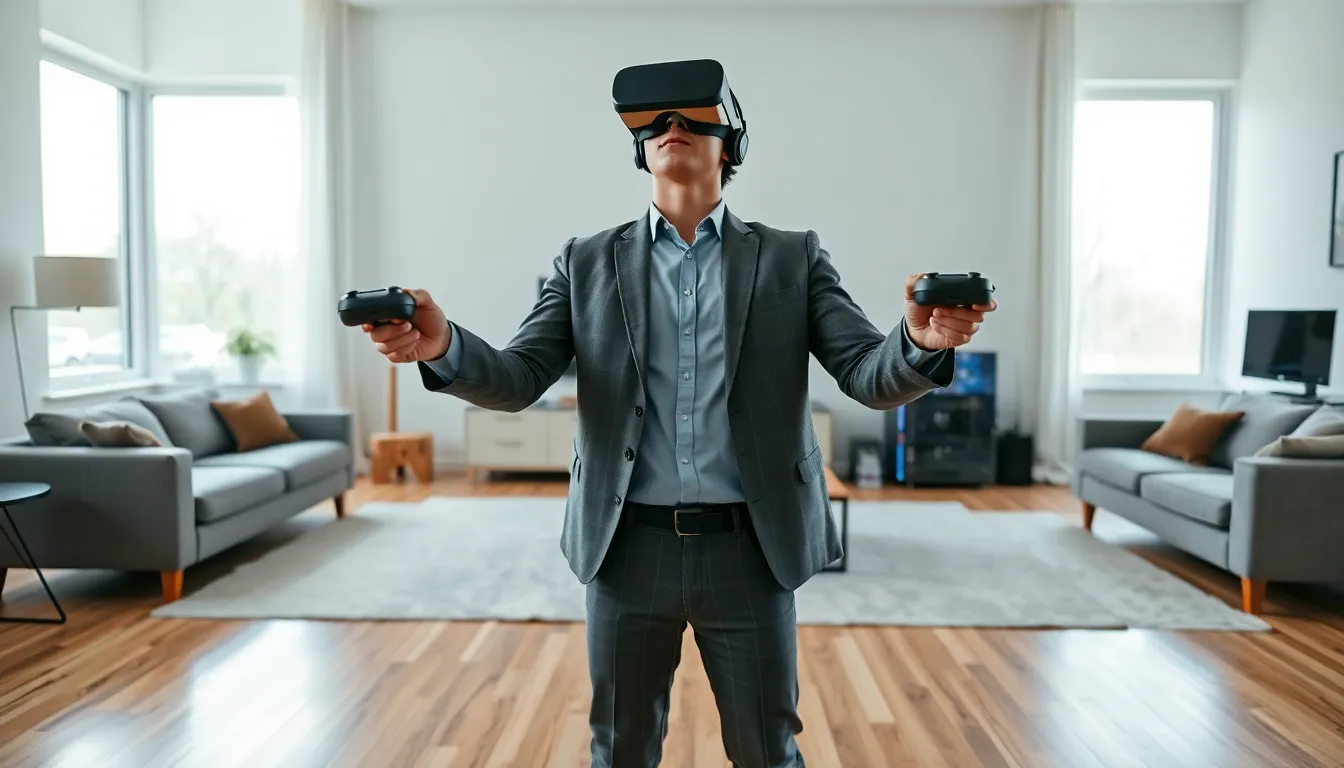
Learning how to VR gaming doesn’t require technical expertise or a massive budget. Virtual reality has become accessible to everyday players, with hardware prices dropping and game libraries expanding rapidly. This guide covers everything beginners need to know, from picking the right headset to setting up a safe play space and selecting games that won’t make them motion sick on day one. Whether someone wants to explore alien worlds, fight zombies, or just play virtual ping pong, the path to VR gaming starts here.
Table of Contents
ToggleKey Takeaways
- Learning how to VR gaming starts with choosing the right headset—standalone devices like the Meta Quest 3 offer the easiest entry point for beginners.
- Set up a safe play space of at least 6.5 by 6.5 feet, free of obstacles and ceiling hazards, before your first VR session.
- Start with beginner-friendly games like Beat Saber or Superhot VR to avoid motion sickness while building your VR tolerance.
- Properly adjust your headset fit and IPD settings to prevent eye strain, blurry visuals, and headaches.
- Take regular breaks every 30-45 minutes and stay hydrated, especially during active VR gaming sessions.
- Most players develop comfortable “VR legs” within 1-2 weeks by starting with short 15-20 minute sessions and gradually increasing playtime.
Understanding VR Gaming Hardware
The first step in how to VR gaming is choosing the right hardware. VR headsets fall into two main categories, and the choice affects everything from game selection to setup difficulty.
Standalone Headsets vs. PC-Powered Systems
Standalone headsets work independently without any external hardware. The Meta Quest 3, for example, contains all processing power inside the headset itself. Players charge it, put it on, and start playing. These devices cost between $300 and $500 and offer the simplest entry point into VR gaming.
The advantages are clear: no wires, no expensive gaming PC, and setup takes about 15 minutes. The tradeoff? Graphics quality sits below what dedicated PC systems can deliver.
PC-powered headsets like the Valve Index or HP Reverb G2 connect to a gaming computer. They require a PC with a strong graphics card (typically $1,000+ for the full setup), but they deliver sharper visuals and access to the largest game libraries.
For most beginners exploring how to VR gaming, standalone headsets make the most sense. They remove barriers and let new players focus on actually playing games rather than troubleshooting hardware connections.
One important note: many standalone headsets also support PC connection via cable or wireless streaming. The Meta Quest 3 can function as both a standalone device and a PC VR headset, giving players flexibility as their interests grow.
Setting Up Your VR Play Space
VR gaming requires physical space. Players move, duck, swing their arms, and sometimes take steps in multiple directions. A proper play space prevents broken lamps and punched walls.
Most VR systems need a minimum of 6.5 feet by 6.5 feet of clear floor space for “room-scale” experiences. Some games work in smaller areas or while seated, but having that full space opens up the best VR gaming has to offer.
Here’s how to set up a safe VR play space:
- Clear the area completely. Remove furniture, floor lamps, pet bowls, and anything breakable. Players lose awareness of their surroundings during immersive sessions.
- Mark boundaries. Modern headsets use cameras to detect walls and obstacles, creating a virtual “guardian” boundary. When players approach the edge, a grid appears in their view. Take time to set this up accurately.
- Check overhead clearance. Ceiling fans are VR’s natural enemy. Players need enough height to raise their arms fully without hitting anything.
- Consider flooring. Standing on hard surfaces for extended periods causes fatigue. A soft mat or carpet helps. Some players use a circular mat as a tactile reference point, they can feel when they’ve drifted from center.
- Secure cables if using PC VR. Cable management systems attach to the ceiling and keep wires from tangling around players’ legs.
Good play space setup is essential to how to VR gaming safely. Rushing this step leads to accidents and damaged equipment.
Choosing Your First VR Games
New VR players should pick their first games carefully. Some experiences cause motion sickness in beginners, while others ease players into virtual reality gently.
Best starter games for VR gaming:
- Beat Saber – Players slash blocks with lightsabers in rhythm with music. Movement stays stationary, making it comfortable for nearly everyone.
- Superhot VR – Time moves only when the player moves. This mechanic reduces motion sickness and creates intense action sequences.
- Job Simulator – A humorous game where players perform absurd tasks in a robot’s interpretation of human jobs. Low intensity, high fun.
- Moss – A third-person puzzle adventure starring a tiny mouse. Players observe the action from above rather than inside it, which feels natural for beginners.
Games to save for later:
Fast-paced first-person shooters and racing games can trigger motion sickness in new players. Titles like Boneworks or Pavlov VR offer amazing experiences, but they demand “VR legs”, the adaptation period where brains learn to handle virtual movement.
Most players develop VR tolerance over 1-2 weeks of regular play. Start with 15-20 minute sessions and increase gradually.
When learning how to VR gaming, free demos help players discover what they enjoy without spending money. Most VR platforms offer trial versions of popular titles.
Tips for a Comfortable VR Experience
Comfort determines whether someone enjoys VR gaming or abandons it after one session. These tips help new players avoid common problems.
Adjust the headset properly. A loose headset causes blurry visuals and headaches. Most headsets have multiple adjustment points: top strap, side straps, and sometimes a dial at the back. Spend time getting a snug (not tight) fit with the lenses centered over the eyes.
Use the IPD adjustment. IPD (interpupillary distance) measures the gap between someone’s pupils. VR headsets include physical sliders or software settings to match individual IPD. Wrong settings cause eye strain and blurred vision.
Take breaks. Even experienced VR players benefit from breaks every 30-45 minutes. This prevents eye fatigue and gives the body time to recalibrate.
Stay cool. VR headsets trap heat around the face. Playing in air-conditioned rooms or using headsets with good ventilation makes extended sessions more enjoyable. Some players point a fan at their play area.
Keep the lenses clean. Smudged lenses degrade image quality dramatically. Use microfiber cloths (the same kind used for glasses or camera lenses) and clean before each session.
Stay hydrated. Active VR games burn real calories. Players often sweat more than they realize. Keep water nearby.
These comfort practices make the difference between VR gaming becoming a regular hobby or gathering dust in a closet.