
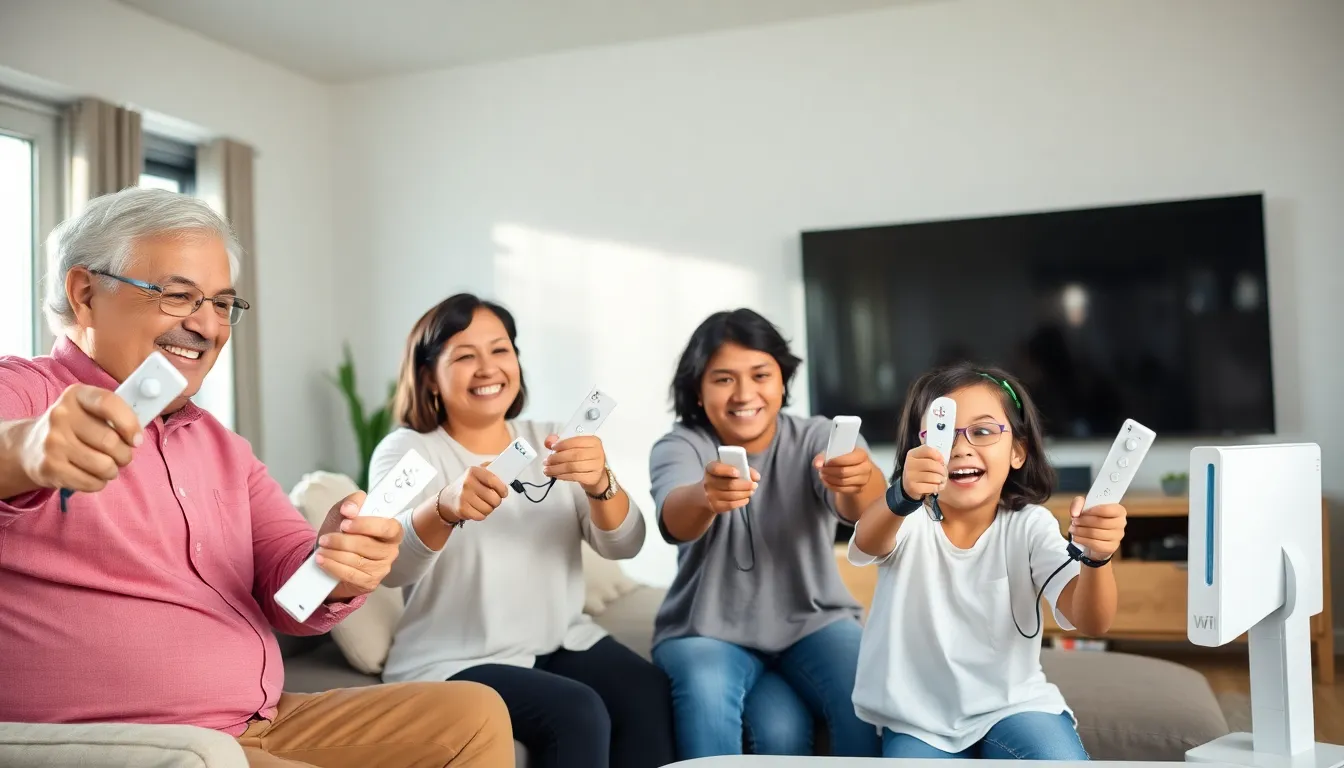
The Nintendo Wii for beginners can feel overwhelming at first glance. This console changed home gaming when it launched in 2006, and it remains a fantastic choice for casual players and families today. Whether someone just picked up a used Wii or received one as a gift, this guide covers everything they need to know. From initial setup to game recommendations, new owners will learn how to get their Nintendo Wii running smoothly and start having fun right away.
Table of Contents
ToggleKey Takeaways
- The Nintendo Wii for beginners offers an affordable, motion-controlled gaming experience perfect for families and casual players.
- Setting up the Nintendo Wii takes about 10 minutes—connect the cables, position the sensor bar, sync the Wii Remote, and you’re ready to play.
- Start with bundled games like Wii Sports to learn motion controls quickly without memorizing button combinations.
- Position yourself 3 to 8 feet from the TV and keep the sensor bar clean for the most accurate motion detection.
- Invest in extra Wii Remotes for multiplayer sessions, as the console shines brightest during social gaming with friends and family.
- Build your game library affordably by shopping for used Wii games, many of which sell for under $10.
What Is the Nintendo Wii?
The Nintendo Wii is a home video game console that Nintendo released in November 2006. It introduced motion-controlled gaming to mainstream audiences, making it a massive hit with families and casual gamers. The console sold over 100 million units worldwide, making it one of the best-selling systems of all time.
The Nintendo Wii differs from other consoles because it focuses on physical movement. Players swing, point, and shake the controller to interact with games. This approach made gaming accessible to people who had never picked up a controller before. Grandparents could bowl, kids could play tennis, and everyone could join in without memorizing button combinations.
The console connects to televisions using composite cables or component cables for better video quality. It supports both standard definition and 480p widescreen output. The Nintendo Wii also connects to the internet through Wi-Fi, allowing users to download games and updates from the Wii Shop Channel (though Nintendo discontinued this service in 2019).
Even though its age, the Nintendo Wii remains popular. Its library includes hundreds of games, and used consoles sell for affordable prices. For beginners looking for an inexpensive entry into gaming, the Wii offers excellent value.
Setting Up Your Nintendo Wii
Setting up a Nintendo Wii takes about 10 minutes. First, connect the AC adapter to the back of the console and plug it into a wall outlet. Next, attach the AV cable to the console and connect the colored plugs to the matching inputs on the television.
Place the sensor bar either above or below the TV screen. The sensor bar plugs into the back of the Wii console. This bar detects where players point the Wii Remote, so positioning matters. Keep it centered with the TV for accurate pointing.
Power on the Nintendo Wii by pressing the power button. The console will display the Wii Menu on the television. During first-time setup, the system asks users to set the date, time, and screen position. It also prompts users to create a Mii, a customizable avatar that represents them in games.
Connecting the Wii Remote
The Wii Remote needs to sync with the console before use. Open the SD card slot cover on the front of the Wii to find the sync button. Press and release it. Then open the battery cover on the Wii Remote and press its red sync button. The lights on the remote will blink, then one light will stay on to indicate a successful connection.
Insert two AA batteries into the Wii Remote. The controller should now respond when pointed at the screen. If pointing feels off, recalibrate by going to Wii Options and selecting Sensor Bar.
Understanding the Wii Remote and Controls
The Wii Remote looks like a TV remote, but it does much more. Players hold it in one hand and point it at the screen to control an on-screen cursor. The controller contains motion sensors that detect movement in three dimensions.
The A button sits on the face of the remote where the thumb naturally rests. This button handles most selections and primary actions. The B button is a trigger on the underside, pressed with the index finger. The D-pad at the top provides directional input for menus and certain games.
The Nintendo Wii introduced the Nunchuk accessory, which plugs into the bottom of the Wii Remote. The Nunchuk adds an analog stick and two more buttons (C and Z). Many games require this accessory for character movement while the remote handles aiming or actions.
Motion Controls Explained
Motion controls respond to how players move the Wii Remote. Swinging it like a tennis racket makes on-screen characters swing. Tilting it steers vehicles. Shaking it can trigger attacks or special moves. Different games use motion in different ways.
For accurate motion detection, players should make deliberate movements rather than small flicks. The Nintendo Wii reads arm motions better than wrist movements alone. Wearing the included wrist strap prevents the controller from flying across the room during energetic play sessions.
Best Games for New Wii Players
New Nintendo Wii owners should start with games designed for beginners. Wii Sports comes bundled with most consoles and remains the perfect introduction. It includes tennis, bowling, boxing, baseball, and golf, all controlled through simple motions. Most people can pick it up and play within seconds.
Mario Kart Wii offers accessible racing fun. Players can use the Wii Remote sideways like a steering wheel. The game includes difficulty options that help newcomers compete against experienced players. It also supports up to four players locally.
New Super Mario Bros. Wii brings classic platforming to the console. Up to four players can play together on screen. The game offers challenge but remains approachable for those new to Mario games.
Wii Sports Resort expands on the original with activities like archery, swordplay, and frisbee golf. It requires the Wii MotionPlus accessory for more precise motion tracking. This game showcases what the Nintendo Wii can do when motion controls work at their best.
For puzzle fans, Boom Blox provides simple but addictive gameplay. Players throw balls to knock down towers of blocks. The physics feel satisfying, and the concept clicks immediately.
The Legend of Zelda: Twilight Princess offers a deeper adventure for players ready to invest more time. The Wii version uses motion controls for sword combat, adding physicality to the classic formula.
Tips for Getting the Most Out of Your Wii
A few simple habits will improve the Nintendo Wii experience. Keep the sensor bar clean and unobstructed. Dust and objects blocking the bar cause pointing problems. Natural light sources near the TV can also interfere with detection.
Fresh batteries make a real difference. Weak batteries cause lag and disconnection issues with the Wii Remote. Rechargeable batteries save money over time if players use the console frequently.
Stand or sit at an appropriate distance from the TV. The Nintendo Wii works best when players position themselves 3 to 8 feet from the screen. Too close or too far affects motion accuracy.
Explore the Mii Channel and create avatars for everyone in the household. Many games use Miis as playable characters, adding a personal touch to the experience. The process takes only a few minutes and kids especially enjoy customizing their own characters.
Consider picking up extra Wii Remotes for multiplayer. The Nintendo Wii shines as a social console. Having four controllers ready means impromptu game sessions can happen anytime friends or family visit.
Check local game stores and online marketplaces for affordable used games. The Wii library is enormous, and many excellent titles sell for under $10. Building a collection costs far less than buying games for newer systems.