
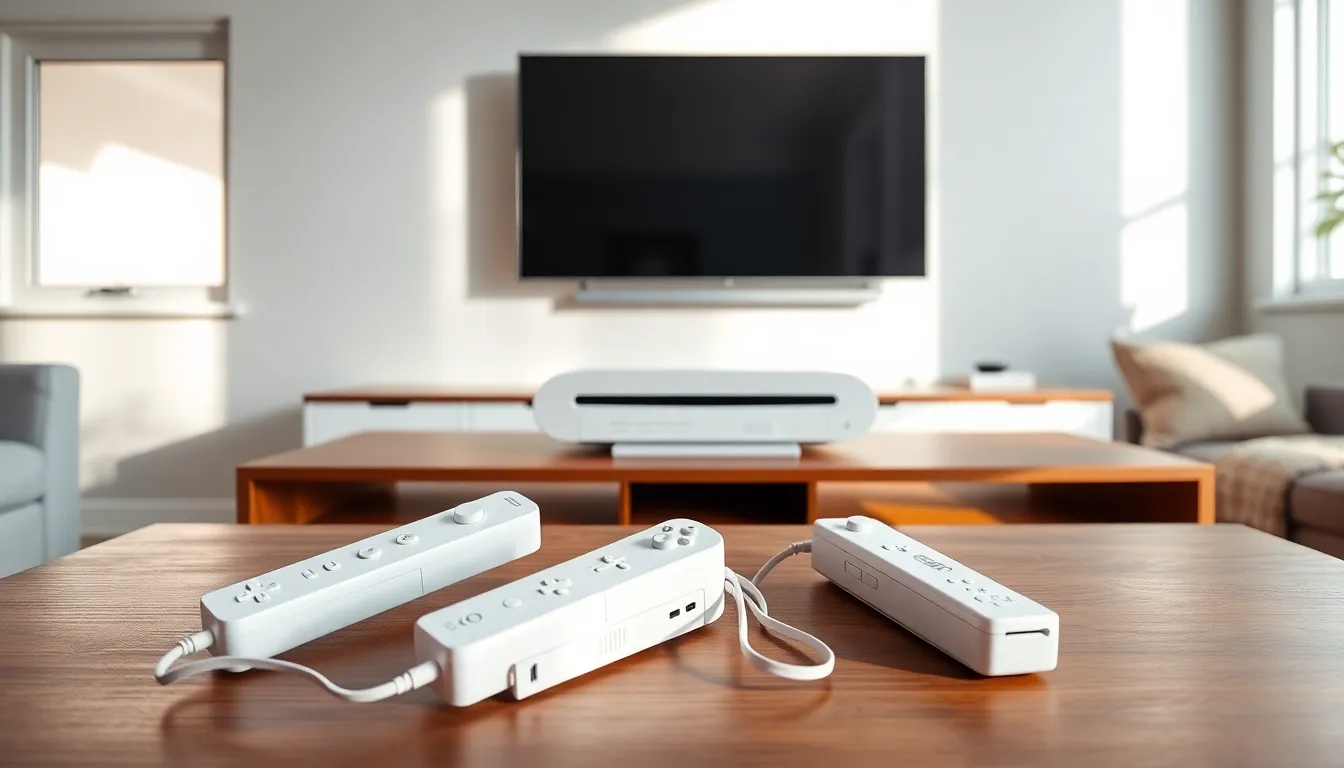
Nintendo Wii tips can transform how players experience this beloved console. The Wii changed gaming when Nintendo released it in 2006. Its motion controls brought families together and introduced millions to interactive entertainment. Even today, the console remains popular among retro gaming fans and casual players alike.
This guide covers practical Nintendo Wii tips that help users optimize their setup, master the controllers, and keep their system running smoothly. Whether someone just dusted off their old Wii or picked one up at a garage sale, these strategies will enhance every gaming session.
Table of Contents
ToggleKey Takeaways
- Use component cables and enable 480p output in settings to get sharper visuals on your HDTV.
- Position the sensor bar centered above or below your TV and calibrate sensitivity for accurate pointer control.
- Keep your Wii well-ventilated with at least four inches of clearance to prevent overheating and extend its lifespan.
- Switch to rechargeable AA batteries and turn off Wii Remotes when not in use to save on battery costs.
- Original Wii models support GameCube games and controllers, unlocking an entire library of classic titles.
- Clean the console regularly with compressed air and a dry cloth to prevent dust buildup and disc reading issues.
Setting Up Your Wii for Optimal Performance
Proper setup makes a significant difference in how well the Wii performs. These Nintendo Wii tips focus on getting the console positioned correctly and connected for the best results.
Placement and Ventilation
The Wii generates heat during operation. Players should place the console in an open area with at least four inches of clearance on all sides. Avoid enclosed entertainment centers or spots near heat sources. A well-ventilated Wii runs cooler and lasts longer.
The console can stand vertically or lay horizontally. Both positions work fine, but horizontal placement offers more stability. If using the vertical stand, make sure it’s secured properly to prevent tipping.
Video Output Settings
Most players use the standard composite cables that come with the Wii. But, component cables deliver noticeably sharper images on HDTVs. These cables support 480p resolution, which doesn’t sound impressive by modern standards but represents a real upgrade from 480i.
To enable 480p output, go to Wii Settings > Screen > TV Resolution and select EDTV or HDTV (480p). This Nintendo Wii tip alone can make games look cleaner and more vibrant.
Internet Connection
Connecting the Wii to Wi-Fi opens up additional features. The console supports 802.11b/g wireless standards. Users enter their network credentials through the Wii Settings menu under Internet > Connection Settings.
While Nintendo discontinued the Wii Shop Channel in 2019, an internet connection still enables system updates and certain homebrew applications for those who explore that route.
Essential Controller Tips and Tricks
The Wii Remote changed how people interact with games. These Nintendo Wii tips help players get more accurate controls and extend their equipment’s lifespan.
Sensor Bar Positioning
The sensor bar contains infrared LEDs that the Wii Remote uses for positioning. Place the bar centered above or below the TV. Most players position it below the screen, but either location works.
If the pointer seems off, recalibrate through Wii Settings > Wii Remote Settings > Sensor Bar. Adjust the sensitivity slider until the cursor moves smoothly across the entire screen. This simple Nintendo Wii tip fixes most aiming problems.
Battery Management
The Wii Remote eats through batteries quickly. Rechargeable AA batteries save money over time. Third-party charging docks with rechargeable battery packs offer even more convenience.
When not playing, turn off the Wii Remote by holding the power button for three seconds. This prevents accidental battery drain. Some players forget this Nintendo Wii tip and wonder why their batteries die so fast.
Wrist Strap Usage
Nintendo included wrist straps for a reason. Motion controls encourage vigorous movements, and sweaty hands can lose grip. Always secure the strap before playing active games like Wii Sports or Wii Sports Resort. A flying Wii Remote can damage TVs, walls, or people.
Syncing Multiple Controllers
The Wii supports up to four remotes simultaneously. To sync a new controller, open the SD card slot cover on the Wii and press the red sync button. Then press the sync button inside the battery compartment on the remote. The LEDs will flash and settle on a player number when connected.
Improving Your Gaming Experience
Beyond basic setup, several Nintendo Wii tips can enhance gameplay quality and expand what the console offers.
GameCube Compatibility
Original Wii models (not the Wii Mini) play GameCube discs. Flip open the top panel to reveal GameCube controller ports and memory card slots. This backward compatibility gives access to an excellent library of games from the previous generation.
GameCube controllers also work better than Wii Remotes for certain games, especially fighting games and platformers that benefit from traditional button layouts.
Storage Expansion
The Wii has limited internal storage. An SD card (up to 32GB) provides extra space for save files, downloaded content, and photos from the Photo Channel. Insert the card into the slot behind the front panel door.
For players with large digital libraries, moving data between the SD card and system memory becomes routine. The Data Management menu handles these transfers.
Calibrating Motion Plus
Games that support Wii MotionPlus offer enhanced motion tracking. The accessory attaches to the bottom of standard Wii Remotes. Some newer remotes have MotionPlus built in.
Before playing MotionPlus games, place the remote face-down on a flat surface when prompted. This calibration step ensures accurate motion detection throughout the gaming session. Skipping it often results in drifting or inaccurate controls.
Maintaining and Troubleshooting Your Wii
Keeping the Wii in good condition extends its life. These Nintendo Wii tips address common maintenance tasks and problems.
Cleaning the Console
Dust accumulates in the vents and disc slot over time. Use compressed air to blow out debris from the ventilation openings. A soft, dry cloth works well for wiping down the exterior.
Never use liquid cleaners on the console. Moisture can damage internal components. For stubborn spots, slightly dampen a cloth with water and wring it thoroughly before wiping.
Disc Reading Issues
The Wii’s disc drive can struggle with scratched or dirty games. Clean discs with a soft cloth, wiping from the center outward in straight lines. Avoid circular motions.
If the console refuses to read discs entirely, the laser lens might need cleaning. Lens cleaning discs designed for the Wii can help. Persistent problems may indicate a failing disc drive, which requires professional repair or replacement.
Freezing and Crashes
Random freezes sometimes occur on aging hardware. First, try a hard reset by unplugging the power cord for 30 seconds. This Nintendo Wii tip clears temporary data and often resolves minor glitches.
Overheating causes freezes too. Check that vents aren’t blocked and the console has adequate airflow. Playing for extended periods in warm environments stresses the system.
Resetting to Factory Settings
Before selling or giving away a Wii, remove personal data through Wii Settings > Format Wii System Memory. This erases all saved data, Miis, and settings. The process cannot be undone, so back up anything important to an SD card first.