
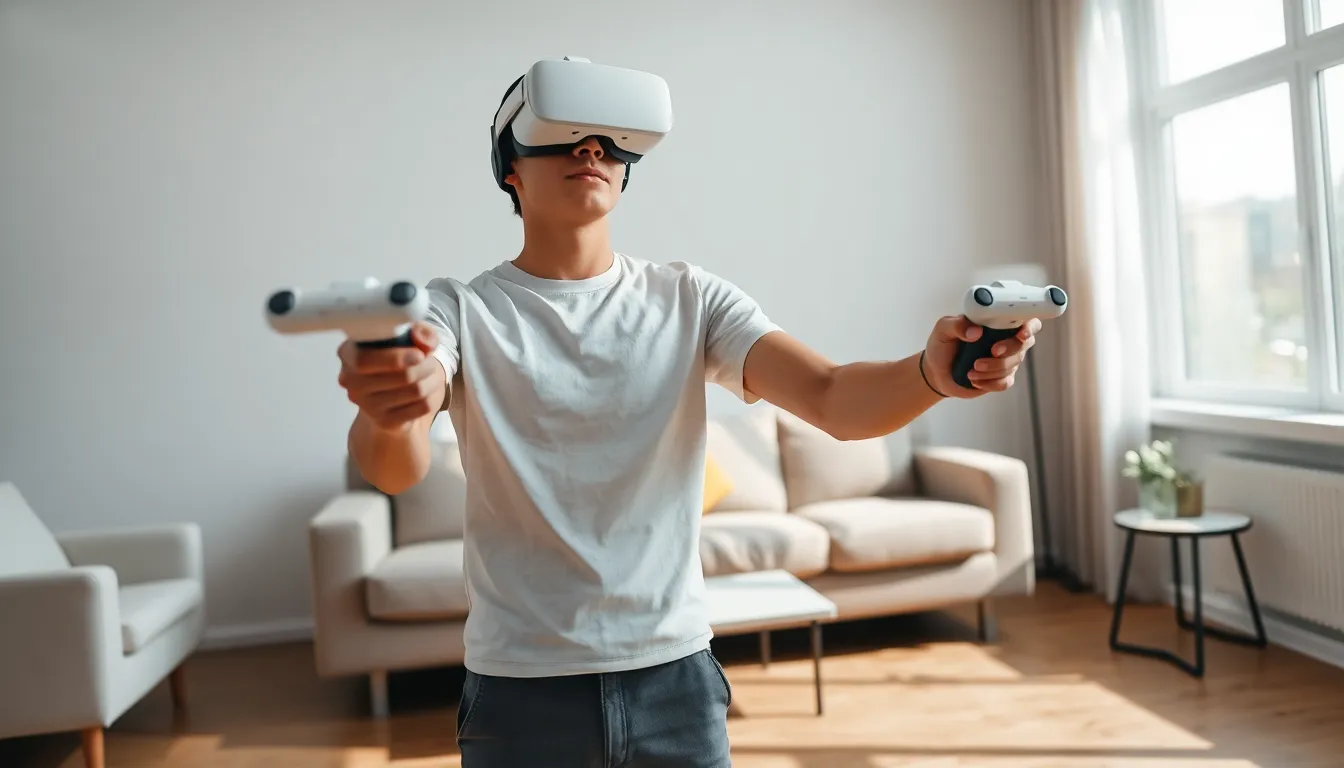
VR gaming for beginners can feel overwhelming at first glance. Dozens of headsets, hundreds of games, and unfamiliar terminology create a steep learning curve. But here’s the good news: getting started is simpler than most people think. Virtual reality has matured significantly in recent years. Prices have dropped, setup processes have streamlined, and the game library has expanded dramatically. This guide breaks down everything new players need to know, from understanding the technology to picking a first headset and avoiding common mistakes. By the end, anyone can confidently step into virtual worlds and start playing.
Table of Contents
ToggleKey Takeaways
- VR gaming for beginners is easier than ever thanks to affordable standalone headsets like the Meta Quest 3, which require minimal setup.
- A clear play area of at least 6.5 x 6.5 feet ensures safe and immersive room-scale VR experiences.
- Start with beginner-friendly games like Beat Saber, Superhot VR, and Job Simulator to avoid motion sickness while learning VR mechanics.
- Use comfort settings such as snap turning and teleportation to reduce nausea during your first VR sessions.
- Keep initial play sessions to 15–20 minutes and gradually increase duration as your brain adapts to virtual motion.
- Most VR gaming beginners develop comfortable “VR legs” within one to two weeks of regular play.
What Is VR Gaming and How Does It Work
VR gaming places players inside three-dimensional digital environments. Instead of watching a screen, users wear a headset that displays visuals directly in front of their eyes. The headset tracks head movements, so looking left, right, up, or down changes the view accordingly. This creates a sense of presence, the feeling of actually being somewhere else.
Most VR systems use motion controllers that players hold in each hand. These controllers track hand positions and let users interact with virtual objects. Want to grab a sword? Reach out and grip it. Need to reload a gun? Physically mimic the motion. This physicality separates VR gaming from traditional gaming experiences.
The technology relies on several components working together. Displays inside the headset show slightly different images to each eye, creating stereoscopic 3D vision. Sensors detect position and rotation. Audio typically comes through built-in speakers or headphones for spatial sound. Some systems require external sensors placed around a room, while others track everything from the headset itself.
VR gaming appeals to beginners because it feels intuitive. Traditional gaming requires learning button combinations and abstract controls. VR gaming often mimics real-world actions. Throwing a ball works like throwing a ball. Swinging a tennis racket works like swinging a tennis racket. This natural interaction lowers the barrier for newcomers.
Choosing Your First VR Headset
Selecting a VR headset determines the entire VR gaming experience. Three main categories exist: standalone headsets, PC-connected headsets, and console-based headsets.
Standalone headsets contain all necessary hardware inside the device. No computer or console required. The Meta Quest 3 dominates this category, offering excellent value and a massive game library. Beginners often prefer standalone options because setup takes minutes rather than hours.
PC VR headsets connect to gaming computers. Options include the Valve Index, HP Reverb G2, and various models from HTC. These headsets deliver higher visual quality and access to PC-exclusive titles. But, they require powerful computers costing $1,000 or more. VR gaming for beginners typically doesn’t start here unless someone already owns capable hardware.
PlayStation VR2 serves PlayStation 5 owners. It offers impressive specifications and exclusive games but limits players to the PlayStation ecosystem.
Key Factors to Consider
Price: Entry-level standalone headsets start around $300. High-end PC setups can exceed $2,000 when including the computer.
Resolution: Higher resolution means sharper images. Look for at least 1800×1920 pixels per eye for a clear picture.
Refresh Rate: 90Hz or higher reduces motion blur and improves comfort.
Tracking Quality: Inside-out tracking (sensors on the headset) simplifies setup. External sensor systems offer slightly better accuracy but add complexity.
For most beginners, the Meta Quest 3 or Quest 3S provides the best balance of price, performance, and convenience. These headsets work standalone and can connect to PCs for expanded options.
Essential Equipment and Space Requirements
VR gaming requires adequate physical space. Most games need a minimum play area of 6.5 feet by 6.5 feet (2m x 2m). Some seated experiences work in smaller spaces, but room-scale VR delivers the best experience.
Clear the play area of furniture, pets, and anything breakable. VR players can’t see the real world while wearing a headset. Ceiling fans, light fixtures, and low-hanging objects pose risks too. Mark boundaries using the headset’s guardian system, which displays virtual walls when players approach real-world obstacles.
Must-Have Accessories
- Controller batteries or charging dock: Dead controllers interrupt play sessions
- Lens cleaning cloth: Smudged lenses ruin visual clarity
- Comfort strap upgrade: Stock straps often lack support for extended sessions
- Prescription lens inserts: Glasses wearers should consider custom inserts rather than wearing glasses inside the headset
Nice-to-Have Additions
- VR mat: A textured floor mat helps players feel their position without looking down
- Cable management system: PC VR users benefit from ceiling-mounted cable guides
- Fan: VR gaming generates heat: airflow prevents fogged lenses
A dedicated VR space isn’t mandatory, but it helps. Many players clear their living room when needed and reset furniture afterward. VR gaming for beginners works fine with temporary setups.
Best Beginner-Friendly VR Games to Try First
Starting with the right games makes a huge difference. Some VR titles induce motion sickness in newcomers. Others assume familiarity with VR mechanics. These recommendations offer smooth introductions to VR gaming.
Beat Saber remains the quintessential starter game. Players slash colored blocks with virtual sabers in rhythm with music. It requires no locomotion (movement through virtual space), eliminating motion sickness concerns. Simple rules, immediate fun.
Superhot VR moves time only when the player moves. This mechanic lets beginners process VR at their own pace while delivering satisfying action. Dodging bullets in slow motion never gets old.
Job Simulator provides a humorous sandbox experience. Players perform absurd versions of everyday jobs, cooking, working in an office, fixing cars. The game encourages experimentation without pressure or failure states.
Walkabout Mini Golf offers relaxed multiplayer fun. The gentle pace suits newcomers, and the social aspect adds appeal. Motion sickness isn’t a factor since players teleport between shots.
Moss tells a charming story through a third-person perspective. Players guide a small mouse hero through puzzles and combat. This format feels familiar to traditional gamers while showcasing VR’s unique capabilities.
Avoid intense first-person shooters and racing games initially. These genres often cause discomfort until users develop “VR legs”, the adjustment period where the brain adapts to virtual motion.
Tips for a Comfortable VR Experience
Motion sickness affects many VR gaming beginners. The brain receives conflicting signals, eyes see movement while the inner ear detects stillness. This mismatch causes nausea, dizziness, and headaches.
Start with short sessions of 15-20 minutes. Gradually increase duration as comfort improves. Stop immediately at the first sign of discomfort. Pushing through makes symptoms worse and creates negative associations with VR.
Use comfort settings available in most games. Snap turning (instant rotation) causes less discomfort than smooth turning. Teleportation movement beats joystick locomotion for sensitive users. Vignette effects reduce peripheral vision during movement, which helps many people.
Physical Comfort Matters Too
Adjust the headset properly. The display should appear sharp, not blurry. Straps should distribute weight evenly without pressure points. Loose headsets shift during movement and strain neck muscles.
Take breaks every 30-45 minutes even when feeling fine. Eye strain builds gradually. Stand up, hydrate, and let eyes focus on distant objects.
Keep the room cool. VR headsets trap heat against the face. A fan pointing toward the play area prevents overheating and lens fog.
Eat lightly before playing. Heavy meals increase nausea risk. Ginger candies or wristbands help some people manage mild motion sickness symptoms.
VR gaming for beginners improves dramatically with patience. Most people adapt within a week or two of regular play. Those who never fully adjust can still enjoy stationary experiences like rhythm games, puzzle games, and social applications.