
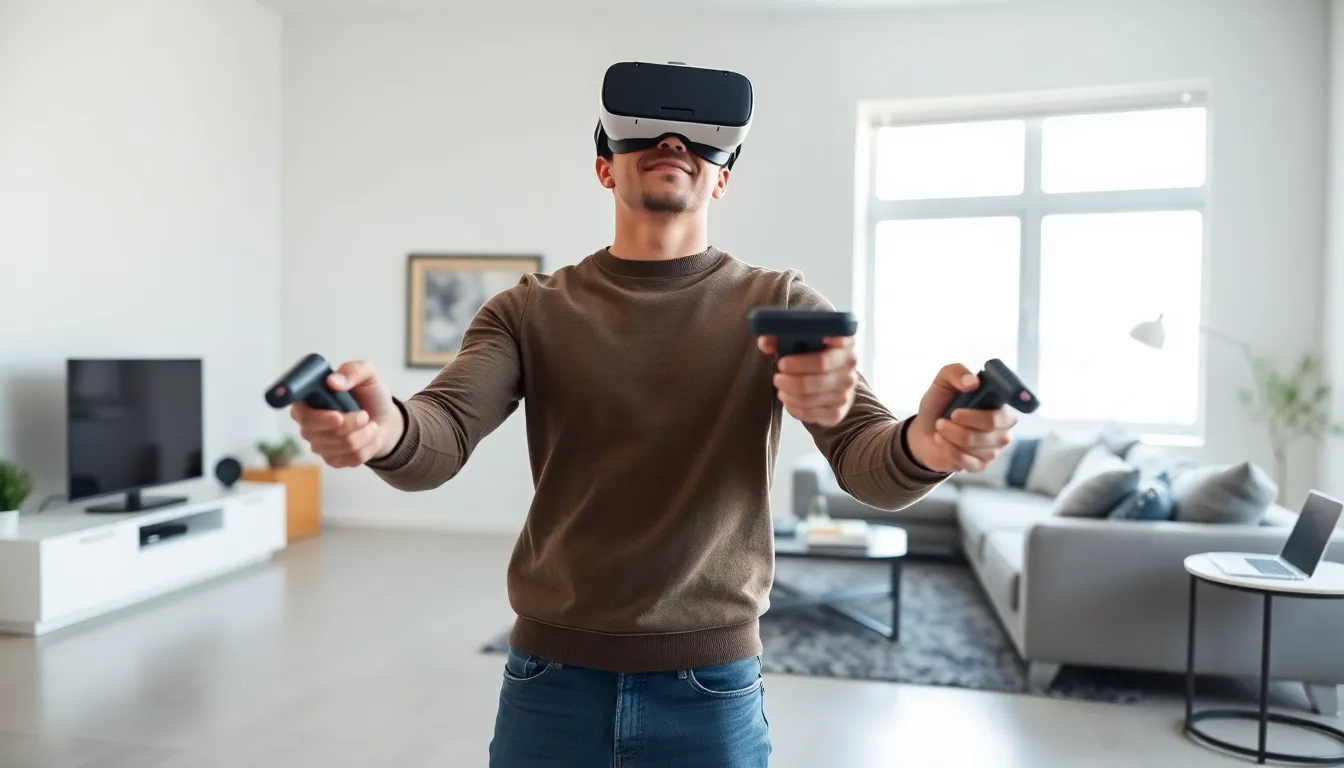
Virtual reality gaming has moved from science fiction to living rooms across the globe. This VR gaming guide covers everything beginners need to know before strapping on a headset for the first time. From understanding the technology to picking the right hardware and games, readers will find practical advice to start their VR journey. The immersive experience of VR gaming offers something traditional gaming simply cannot match, the feeling of being inside the game itself. Whether someone wants to fight zombies, explore alien planets, or just get a workout, VR gaming delivers these experiences in ways that feel genuinely real.
Table of Contents
ToggleKey Takeaways
- Standalone VR headsets like the Meta Quest 3 offer the best entry point for beginners, requiring no external hardware and costing between $300–$500.
- This VR gaming guide recommends at least 6.5 x 6.5 feet of clear floor space for room-scale experiences and moderately lit rooms for optimal tracking.
- Start with beginner-friendly games like Beat Saber or Job Simulator that minimize motion sickness while showcasing VR’s immersive potential.
- Prevent motion sickness by beginning with short 20–30 minute sessions and choosing games with teleport-based movement or comfort settings.
- PC VR gaming delivers higher visual fidelity but requires a powerful computer with at least an RTX 2060 GPU and 16GB RAM.
- Prioritize headset fit and comfort by trying models in-store before purchasing, as these factors significantly impact longer play sessions.
Understanding VR Gaming Technology
VR gaming technology creates immersive, three-dimensional environments that respond to player movements. The core components include a headset with built-in displays, motion tracking sensors, and controllers that translate hand movements into the virtual world.
Modern VR headsets use two small screens, one for each eye, to create stereoscopic 3D images. This mimics how human eyes naturally perceive depth. The displays refresh at high rates, typically 90Hz or higher, to prevent motion sickness and maintain smooth visuals.
Tracking technology is what makes VR gaming feel real. Inside-out tracking uses cameras mounted on the headset to monitor the surrounding environment. Outside-in tracking relies on external sensors placed around the room. Most current VR systems use inside-out tracking because it requires less setup.
Controllers in VR gaming detect hand position, rotation, and finger movements. Some advanced systems now offer hand tracking without controllers at all. This VR gaming guide recommends starting with controller-based systems since they provide more precise input for most games.
Audio also plays a critical role in VR immersion. Spatial audio technology makes sounds appear to come from specific directions in the virtual space. Many headsets include built-in speakers or headphone jacks for this purpose.
Choosing the Right VR Headset
Selecting a VR headset depends on budget, gaming preferences, and available hardware. The market offers three main categories: standalone headsets, PC-connected headsets, and console-based systems.
Standalone headsets like the Meta Quest 3 require no external hardware. They contain all processing power inside the headset itself. This VR gaming guide considers standalone options the best entry point for most beginners. Prices typically range from $300 to $500.
PC VR headsets such as the Valve Index or HP Reverb G2 connect to gaming computers. They offer higher visual fidelity and access to more demanding games. But, they require a powerful PC with a capable graphics card. Total costs often exceed $1,500 when including the computer.
PlayStation VR2 serves gamers who already own a PS5. It provides excellent performance and exclusive titles at a $550 price point. The downside is limited game library compared to PC platforms.
Key factors to consider:
- Resolution and refresh rate affect visual clarity
- Field of view determines how much players can see at once
- Comfort matters for longer play sessions
- Controller design impacts gameplay quality
- Game library availability varies by platform
This VR gaming guide suggests trying headsets at retail stores before purchasing whenever possible. Fit and comfort vary significantly between models.
Essential Hardware and Setup Requirements
VR gaming requires specific hardware and physical space to function properly. Understanding these requirements prevents frustration and wasted money.
For standalone VR gaming, requirements are minimal. A charged headset, clear play space, and Wi-Fi connection for downloads cover the basics. The Meta Quest 3, for example, works right out of the box.
PC VR gaming demands more substantial hardware. Minimum specifications typically include:
- GPU: NVIDIA RTX 2060 or AMD RX 5700 XT
- CPU: Intel i5-9400 or AMD Ryzen 5 3500X
- RAM: 16GB
- USB 3.0 port or compatible wireless adapter
- SSD with sufficient storage space
This VR gaming guide emphasizes that meeting minimum specs often results in compromised experiences. Aiming above minimum requirements ensures smoother gameplay.
Physical space requirements matter for room-scale VR gaming. Most games need at least 6.5 feet by 6.5 feet of clear floor space. Larger areas enable better movement and reduce the risk of hitting walls or furniture.
Lighting conditions affect tracking quality. VR systems work best in moderately lit rooms. Very dark or extremely bright environments cause tracking problems.
A stable internet connection helps for multiplayer VR gaming and game downloads. Many VR titles require 10-50GB of storage space each.
Top VR Games to Try First
Starting with the right games makes all the difference for VR gaming newcomers. These titles showcase what the medium does best while remaining accessible to beginners.
Beat Saber remains the most popular VR game for good reason. Players slash blocks with lightsabers in rhythm with music. It’s easy to understand, physically engaging, and rarely causes motion sickness. This VR gaming guide recommends it as a first purchase.
Half-Life: Alyx represents the gold standard for VR storytelling. The game demonstrates how VR gaming can deliver cinematic experiences. It requires a PC VR setup but justifies the investment for many players.
Superhot VR offers a unique twist, time moves only when players move. This creates intense action sequences that feel like being inside an action movie.
Rec Room provides free social experiences and user-created games. It’s an excellent starting point for exploring VR gaming communities without spending money.
Job Simulator uses humor and simple mechanics to introduce VR interactions. Players perform mundane tasks in absurd ways, making it great for demonstrations to friends and family.
Walkabout Mini Golf delivers relaxed multiplayer fun. It proves that VR gaming doesn’t always need intense action to be enjoyable.
This VR gaming guide suggests starting with shorter play sessions of 20-30 minutes. New players often need time to build tolerance for VR experiences.
Tips for the Best VR Gaming Experience
Getting the most from VR gaming requires attention to comfort, safety, and technique. These practical tips help players avoid common problems.
Prevent motion sickness by starting with stationary or teleport-based games. Many VR games offer comfort settings that reduce movement intensity. Taking breaks at the first sign of discomfort prevents longer-lasting nausea. Ginger supplements help some players manage symptoms.
Adjust the headset properly for optimal visuals. The sweet spot for clarity is small on most headsets. Spend time adjusting straps and IPD (interpupillary distance) settings. A proper fit also reduces pressure on the face during extended sessions.
Create a safe play environment before each session. Remove obstacles, secure cables, and warn others in the household. Many VR gaming injuries happen from collisions with furniture or people.
Use a fan for orientation and cooling. A fan pointed at the play space helps players maintain awareness of their position in the real world. It also prevents overheating during active games.
Clean equipment regularly to maintain hygiene and performance. Sweat degrades foam padding and can fog lenses. Microfiber cloths work best for lens cleaning.
Start with short sessions and gradually increase duration. Most VR gaming veterans play for 1-2 hours at a time. Extended sessions cause eye strain and fatigue.
This VR gaming guide also recommends keeping the headset firmware updated. Manufacturers regularly release improvements for tracking and performance.