
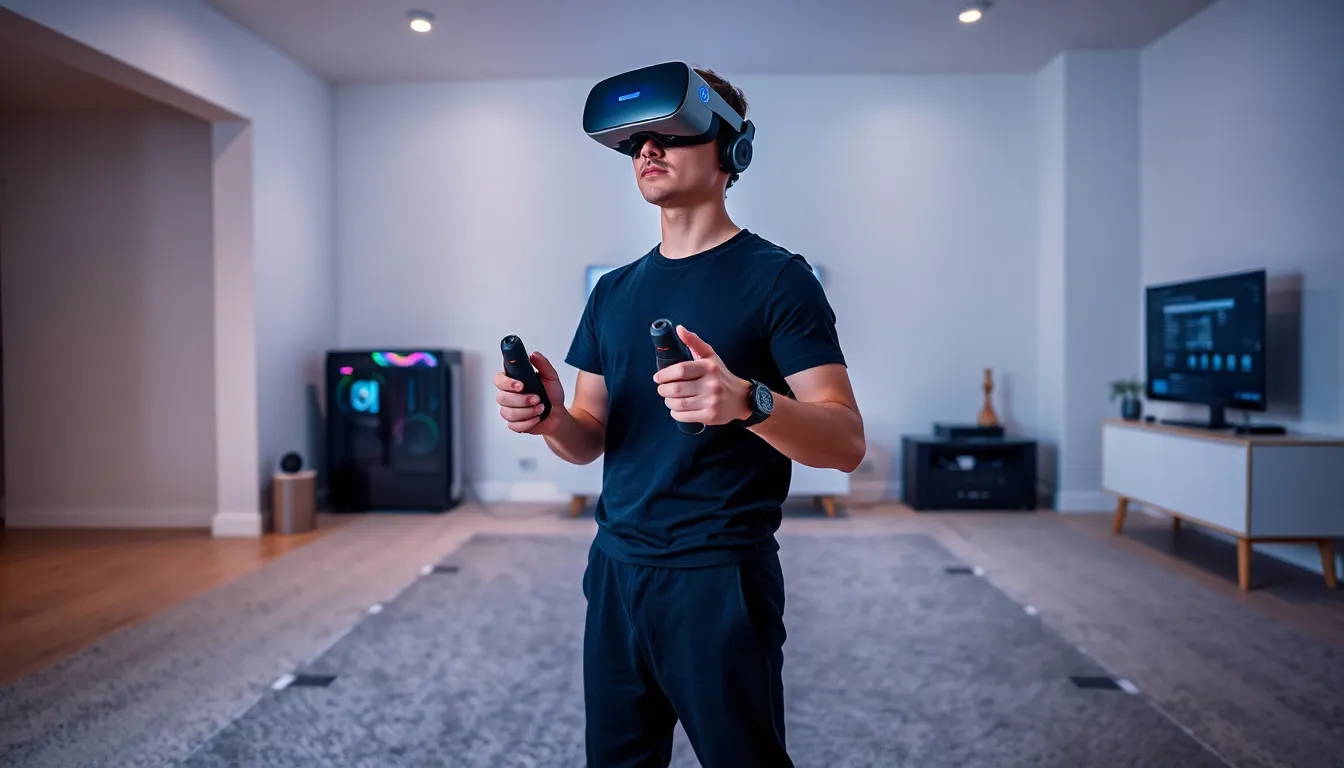
VR gaming tips can transform an ordinary session into something immersive and enjoyable. Virtual reality offers a unique way to play games, but the experience depends on proper setup and smart habits. Many players immerse without adjusting their equipment or preparing their space. This leads to discomfort, blurry visuals, or even motion sickness. The good news? A few simple changes make a big difference. This guide covers the essential VR gaming tips every player needs. From setting up a safe play area to optimizing graphics, these strategies help users get the most from their headset.
Table of Contents
ToggleKey Takeaways
- Clear at least 6.5 by 6.5 feet of floor space and remove obstacles to create a safe VR gaming environment.
- Adjust your headset’s straps and interpupillary distance (IPD) settings for sharp visuals and comfortable fit.
- Start with short 15-20 minute sessions and choose stationary games to prevent motion sickness as a beginner.
- Prioritize a stable frame rate over maximum graphics settings to ensure smooth, comfortable VR gameplay.
- Store your headset away from direct sunlight and clean lenses with a microfiber cloth to protect your investment.
- Use a fan pointed at your face and enable teleport movement in games to reduce VR-related nausea.
Setting Up Your Play Space Safely
A safe play space is the foundation of good VR gaming. Players need enough room to move without hitting walls, furniture, or people. Most VR systems require a minimum of 6.5 feet by 6.5 feet of clear floor space. Larger areas allow for more freedom during active games.
Start by removing obstacles from the play zone. Coffee tables, floor lamps, and pets are common hazards. Even small items like shoes or cables can cause trips. It helps to mark boundaries with tape or use the guardian system built into most headsets. These virtual walls appear when players get too close to the edge of their safe area.
Lighting matters too. Some headsets use external cameras for tracking. Bright sunlight can interfere with these sensors and cause tracking issues. Dim the lights or close blinds if the system struggles to maintain position. A consistent, moderate light level works best.
One often-overlooked VR gaming tip: check the ceiling height. Games that involve reaching or jumping need clearance above. Ceiling fans are a particular danger. Turn them off before playing, or choose a spot without overhead hazards.
Adjusting Your Headset for Comfort and Clarity
A properly adjusted headset makes VR gaming far more enjoyable. Blurry visuals and uncomfortable straps ruin immersion fast. Spending a few minutes on fit and focus pays off.
Start with the head strap. The headset should sit firmly but not squeeze. Most models have a dial or velcro system at the back. Adjust this until the weight distributes evenly across the head. The display should rest comfortably against the face without pressing hard on the cheeks or forehead.
Next, adjust the interpupillary distance (IPD). This setting matches the lens spacing to the distance between a player’s eyes. Many headsets include a physical slider or software option for this. When IPD is wrong, the image looks fuzzy or causes eye strain. Move the setting until the picture appears sharp.
Glasses wearers have extra considerations. Some headsets include spacers that create room for frames. Others offer prescription lens inserts. These inserts are worth the investment for frequent players. They eliminate the hassle of wearing glasses under the headset.
Another key VR gaming tip: keep the lenses clean. Smudges and dust blur the display quickly. Use a microfiber cloth to wipe them gently before each session.
Preventing Motion Sickness
Motion sickness affects many VR players, especially beginners. The brain gets confused when visual movement doesn’t match physical sensation. This disconnect causes nausea, dizziness, and sweating. Fortunately, most people can reduce or eliminate these symptoms with the right approach.
Start with short sessions. New players should limit themselves to 15-20 minutes at first. The brain needs time to adapt to VR. Gradually increase session length as comfort improves. Pushing through nausea only makes it worse and creates negative associations with VR gaming.
Game selection matters too. Stationary experiences cause less discomfort than games with artificial locomotion. Beat Saber, for example, keeps players in one spot. Open-world games with smooth movement are harder on the stomach. Look for comfort ratings in game descriptions. Many storefronts label games by intensity level.
Some VR gaming tips specifically target motion sickness. A fan pointed at the face helps. The airflow gives the body a physical reference point. Ginger supplements or ginger tea can also settle the stomach. Eating a light snack before playing prevents an empty stomach, which worsens nausea.
In-game settings offer relief too. Enable teleport movement instead of smooth locomotion. Reduce the field of view during movement. These options exist in most VR titles specifically to help sensitive players.
Optimizing Graphics and Performance
Smooth performance is essential for comfortable VR gaming. Frame rate drops cause judder and can trigger motion sickness. Players should optimize their setup to maintain consistent performance.
For PC VR users, graphics settings need attention. Start at medium settings and work up. VR requires rendering two images simultaneously, one for each eye. This doubles the GPU workload compared to flat-screen gaming. Even powerful graphics cards can struggle with maximum settings.
Supersampling improves image clarity but demands more power. This setting renders the image at higher resolution before scaling it down for the display. It reduces the “screen door effect” and sharpens text. Players with capable hardware should experiment with moderate supersampling values.
Refresh rate affects smoothness directly. Most modern headsets support 90Hz or higher. The system must maintain frames that match this rate. A 90Hz display needs 90 frames per second consistently. Dropping below this threshold causes noticeable stutter.
Standalone headsets like the Meta Quest series handle optimization differently. These devices have fixed hardware. Players should close background apps, keep the software updated, and restart the headset before long sessions. Overheating can throttle performance, so take breaks to let the device cool.
These VR gaming tips apply across platforms: prioritize frame rate over visual fidelity. A stable 90fps at medium settings beats an unstable 60fps at ultra.
Caring for Your VR Equipment
VR headsets represent a significant investment. Proper care extends their lifespan and maintains image quality. A few habits keep equipment in top condition.
Store the headset away from sunlight. The lenses focus light just like a magnifying glass. Direct sun can burn the internal display in seconds. Always cover the lenses with a cloth or use the included protective cover when not in use.
Sweat damages electronics and degrades foam padding. Wipe down the headset after each session. Removable face covers are worth buying. They wash easily and keep the original foam clean. Some players use disposable hygiene covers, especially when sharing the headset with others.
Controller batteries need monitoring. Rechargeable batteries save money and reduce waste. Keep a spare set charged so sessions don’t end unexpectedly.
Cable management extends the life of tethered headsets. Avoid twisting or kinking the cable. Some players install ceiling-mounted pulleys to keep cables overhead and out of the way. This also prevents tripping.
The lenses require careful attention. Never use household glass cleaner or paper towels. These materials can scratch the coating. A dry microfiber cloth works for most cleaning. For stubborn smudges, lightly dampen the cloth with water.
These VR gaming tips on maintenance prevent common problems. Regular care keeps the experience sharp and comfortable for years.